
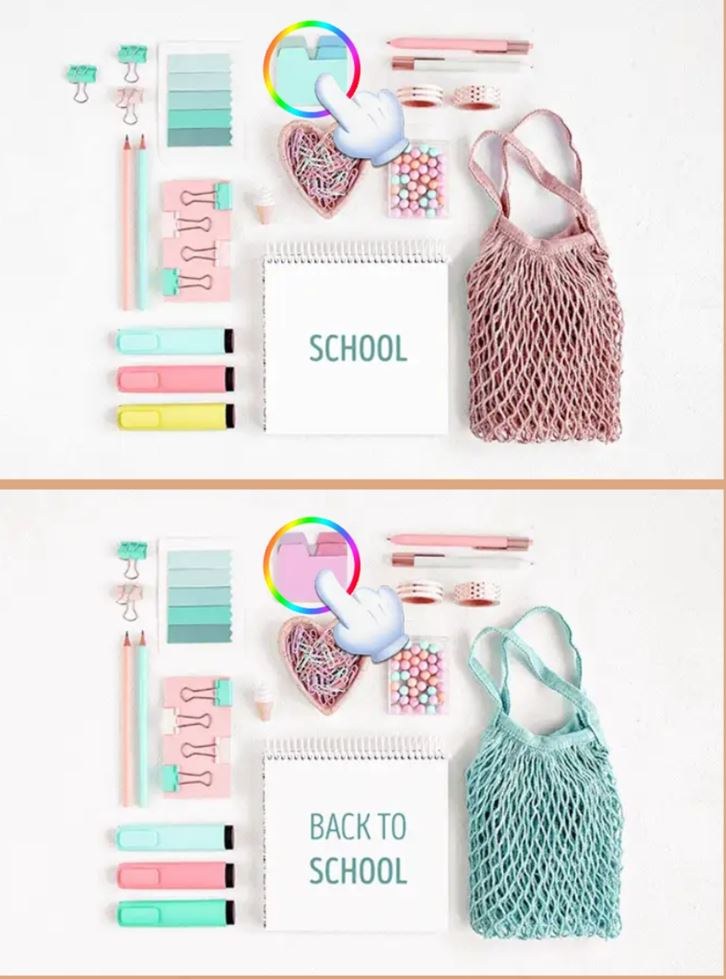
First Minute Feels Like a Quiet Stare-Down I loaded Differences Find expecting a breezy pixel hunt, but the first screen stopped me cold. Two nearly identical photographs of a cluttered artist's desk sat side by side, an
First Minute Feels Like a Quiet Stare-Down
I loaded Differences Find expecting a breezy pixel hunt, but the first screen stopped me cold. Two nearly identical photographs of a cluttered artist's desk sat side by side, and for a solid 20 seconds I saw absolutely nothing wrong. My eyes flicked between a paint-splattered mug on the left and the same mug on the right, convinced the developer was messing with me. Then I spotted it — the left mug had a thin crack running through the handle. The right one didn't. A tiny exhale. One down, four to go. That initial paralysis is the game's whole personality. It doesn't rush you. The timer ticks up, not down, which sounds generous until you realize it's quietly judging how long you stare at a stapler wondering if the shadow is slightly darker.
The photos aren't cartoonish. They lean toward stock-photo realism: kitchen counters with scattered vegetables, a toolbox on a workbench, a bookshelf crammed with spines you'll learn to resent. Objects overlap. Lighting is sometimes a little flat, which makes depth hard to read. That's intentional friction. You're not just comparing shapes — you're squinting at reflections on a glass jar or wondering if the screwdriver's shaft is a millimeter shorter. The first minute teaches you that your casual observation skills are probably worse than you think, and that's exactly why the loop hooks you.
What You're Actually Optimizing For
The loop is straightforward on paper. Each level presents two images. You tap or click the spots where the right image differs from the left. Find all differences, you clear the stage and move to the next. Miss too many times — usually five wrong taps — and you fail the level, though I never actually hit a hard game-over screen. The penalty just dumps you back to the start of that stage with the differences reshuffled. So the fail state isn't dramatic, but it stings if you've been circling the same lamp for two minutes.
What you're optimizing for isn't just completion. It's speed with accuracy, and those two goals pull against each other. A fast clear time feels great, but tapping hastily racks up wrong guesses. The real tension sits in the middle: learning to trust your peripheral vision enough to scan broad zones while simultaneously checking small details that break the symmetry. I found myself developing a loose system. Sweep the image in a Z-pattern. Check edges first — borders, frames, anything that touches the image boundary. Then move to faces if there are people, then text, then small objects. The differences tend to cluster in areas that would be annoying to photoshop out: missing earrings, a book spine that changed color, a lemon slice that became a lime. Once I started treating it less like a puzzle and more like a proofreading exercise, my times dropped.
There's also a quiet resource-management layer. You get hint points, earned slowly or by watching a short ad. Each hint highlights one remaining difference with a subtle pulsing circle. Blowing hints early on easy levels feels wasteful. Saving them for the last difference on a cluttered shelf level is smarter, especially when your eyes are tired and everything starts looking suspicious. I burned two hints on a level with hanging kitchen utensils because I was convinced a whisk had vanished. It hadn't. The real difference was a missing reflection on a copper pot. The hint system is limited enough that you learn to hoard it, which adds a tiny strategic drip to an otherwise reactive game.
Mistakes That Send You Back to the Start
Most of my failed runs came from the same handful of errors. The biggest one was confirmation tapping. I'd see something that looked slightly off — a book tilted at a fractionally different angle, maybe — and I'd tap it without verifying. The game punishes this hard because the miss penalty accumulates fast. Three wrong taps in quick succession and you're suddenly staring at a restart screen, annoyed at your own twitchy fingers. Learning to pause and really compare before tapping cut my failure rate by more than half.
Another trap: assuming differences are always objects that disappeared. Sometimes an object shifts position by a few pixels. A coffee cup slides left. A picture frame changes its tilt. These are maddening to catch because your brain autocorrects small positional changes. I spent ages on a level with a pile of folded towels because one towel had a slightly different fold crease. The colors were identical. The shape was nearly so. The only tell was a subtle highlight that broke differently across the fabric. If you're only looking for missing items, you'll miss these entirely.
The third common mistake was exhaustion-driven blindness. After six or seven levels in one sitting, my hit rate plummeted. I'd miss obvious things — a whole missing clock on a wall, a plant pot that changed from terracotta to gray — because my visual attention had turned to soup. The game doesn't warn you when you're cognitively fading. It just lets you spiral. I learned to cap sessions at four levels max, which felt short but kept my accuracy sharp. Pushing further was a vanity exercise that wasted hints.
One level-specific trap worth mentioning: mirrored text. A few stages include book covers or signs where the text is flipped horizontally. These are sneaky because your reading brain processes the word shape as familiar and moves on. I only caught one because I noticed the letter spacing looked slightly off on the right side. If you're a fast reader, slow down around any text. Let your eyes trace individual letters rather than recognizing words as chunks.
Phone vs Desktop: Two Completely Different Experiences
This is where Differences Find gets weird, because the game feels almost like two separate versions depending on your screen. I played on a 15-inch laptop and a mid-size phone, and the challenges shifted dramatically.
On desktop, you get breathing room. The larger display spreads both images wide enough that you can see most of the scene without scrolling. Clicking is precise. You can hover your cursor over suspicious spots without committing, which gives you a moment to compare before the click registers. Zooming in with the browser's built-in magnification is clunky but possible, and I used it twice on a level with tiny jewelry differences. The mouse lets you move in straight lines across the image, which helps with systematic scanning. I cleared levels faster on desktop, usually under two minutes, and my wrong-tap count stayed low because the click target areas felt generous.
On a phone, the game morphs into something more tense and sometimes frustrating. Both images stack vertically or sit side by side in a cramped layout depending on how you hold the device. On my phone they appeared one above the other, which meant constant vertical scrolling. You see the top half of both images, scroll down, compare, scroll back up, forget what you saw, scroll again. It breaks your scanning rhythm. Pinch-to-zoom is available but finicky. I'd spread my fingers to enlarge a detail and accidentally trigger a tap that counted as a guess. The touch targets feel smaller on mobile, too. Several times I tapped what I was sure was a missing screw on a cabinet handle, only to get a miss because my fingertip landed a few pixels off. The phone demands more patience. You'll squint more. You'll scroll more. You'll probably use more hints.
But the phone version has one advantage: it forces you to slow down and look at one zone at a time, which sometimes reveals differences that wide-view scanning misses. I caught a missing button on a coat pocket on mobile that I'd overlooked three times on desktop because the pocket sat at the bottom edge of the image and I'd never scrolled that far. Neither version is strictly better. Desktop rewards methodical scanning and speed. Mobile rewards patience and close looking. If you're stuck on a level on one device, switching to the other can reset your visual perspective enough to spot the thing you've been glossing over.
Both versions run in a browser without downloads, and the ad interruptions are surprisingly restrained for a free HTML5 game. You'll get a short video ad after every few levels, skippable after five seconds. No pop-ups mid-level. No banner ads crowding the images. The restraint is welcome because a blinking banner would wreck the concentration this game demands.
A Short Practice Plan That Actually Helps
After a week of daily play, I settled into a rhythm that improved my times without burning hints. If you want to get genuinely better at spotting differences — not just clearing levels, but training your visual search — here's a simple progression that worked for me.
First, do three levels with no timer pressure at all. Ignore the clock. Your only goal is zero wrong taps. This teaches you what a clean run feels like and forces you to verify every single tap. It's boring at first, but it builds the confirmation habit that prevents those cascade failures later. I did this for my first session and cut my wrong-tap average from four per level to under one.
Second, pick a scanning pattern and stick to it for five levels straight. I used the Z-pattern — top left to top right, diagonal down to bottom left, across to bottom right — but some people prefer spiraling inward from the edges. The pattern itself matters less than the consistency. Your brain gets faster when it knows where to look next instead of darting randomly. By level five of patterned scanning, I was catching differences in the first pass that I used to find only on the third or fourth sweep.
Third, once you're comfortable with clean runs and a pattern, add a speed layer. Give yourself 90 seconds per level, no hints. If you don't finish, pause and study the remaining differences when the level eventually times out or you use a hint. Note what category you missed: was it a color change? A positional shift? A missing small object? Most people have a blind spot for one category. Mine was color shifts in low-saturation areas — grayish shadows that turned slightly blue, that kind of thing. Knowing your weakness lets you deliberately check for it on every level.
Finally, mix in mobile sessions even if you prefer desktop. The smaller screen forces a different kind of attention. After a few mobile rounds, returning to desktop felt luxurious and my scanning felt sharper. The constraints of one device improve your skills on the other in a way that surprised me.
Differences Find doesn't reinvent the spot-the-difference genre, and it doesn't need to. It's a solid, quiet concentration exercise wrapped in stock photos, with enough friction to keep you honest. The dual-device experience is where it gets interesting, and learning to manage your own attention is the real game underneath the pixel hunting. Play it in short bursts, respect your visual fatigue, and you'll find a calm little corner of the internet that sharpens a skill you didn't know you were losing.



